
Build exhibits from the Exhibits tab. To get your Planet Zoo 2 exhibits running, connect them to a path, supply power and assign a Keeper who can reach a Keeper Hut. Choose a complete blueprint or build a custom exhibit, then set the environment and add animals through the Exhibit Info Panel. For walk-through exhibits, including butterfly houses, connect the exhibit directly to your path network.
Finished exhibits can hold a snake resting on a branch, and a greenhouse can contain several differently shaped exhibits, including a butterfly exhibit you can walk into.
How do you build Planet Zoo 2 exhibits?
Start in the browser's Exhibits tab, choose a blueprint or construction options, and place the exhibit where guests can see it. Exhibits house small animals such as frogs, snakes and small fish in standalone vivariums. You do not need a staff access gate.
Complete blueprint: recommended for a first exhibit
A blueprint places a fully complete exhibit. Pick this if you want to start with an assembled enclosure, then work through its environment and animal settings.
Custom exhibit: choose your own construction
Construction options let you build your own exhibit. Choose a shape suitable for your intended species before decorating: each exhibit shape is limited to compatible species.
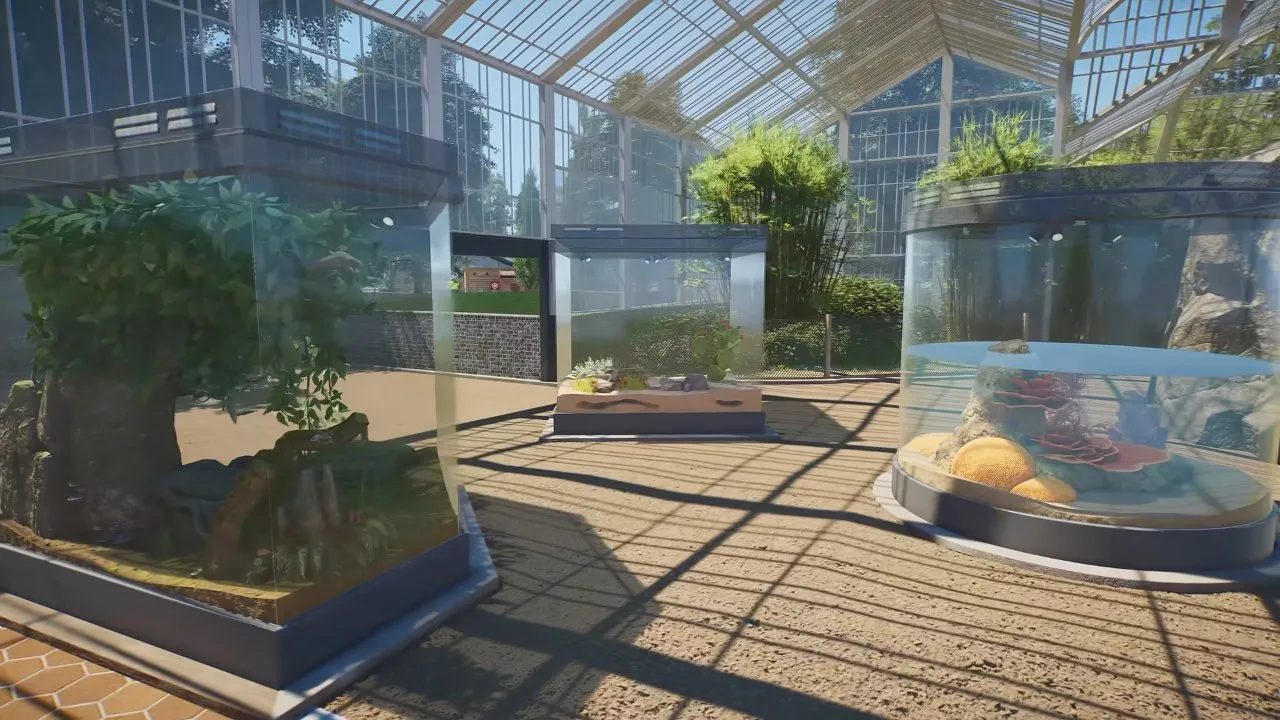
Once you have chosen the enclosure, finish its setup:
- Connect the exhibit to a path and provide power. It also needs a Keeper with access to a Keeper Hut. A finished-looking enclosure still needs these services to function.
- Add scenery and resting points. Open the Exhibit Info Panel's Customisation tab to customise the exhibit. Plants and rocks can be added; height, windows and ceilings can change while the terrain remains suitable for the species.
- Set the environment. In the Environment tab, configure terrain, temperature and salinity as required. Check the species' humidity needs too, using its desired ranges in the in-game Zoopedia.
- Add the animals. With a Trade Centre in your zoo, acquire exhibit animals through Animal Trading. Open the Animals tab to add or remove animals and configure their placement on resting points. Transfers into and out of exhibits happen instantly.
Choose the species before committing to an enclosure shape. For your next animal choice, see Planet Zoo 2 animals.
How do you connect a Planet Zoo 2 walkthrough exhibit?
Connect a walk-through exhibit directly to your path network so guests can enter it. Place it for guest access, then provide the same power and Keeper support needed by other exhibits.
A greenhouse may look like one large exhibit at first glance, but it holds separate enclosures with different shapes and interiors.
How do you build Planet Zoo 2 butterfly exhibits?
Build a butterfly exhibit as a walk-through exhibit, connect it directly to the path network, and configure its environment and animals through the Exhibit Info Panel. A butterfly house is a walk-through exhibit your guests can enter.
Butterflies can use resting points and also move freely around the exhibit. You do not have to treat every butterfly as a permanently fixed display animal.
How do exhibit resting points and welfare work?
Use resting points to set an animal's species, pose and position, and keep its environment and group size within the species' Zoopedia requirements. Many exhibit animals need resting points to be housed and displayed.
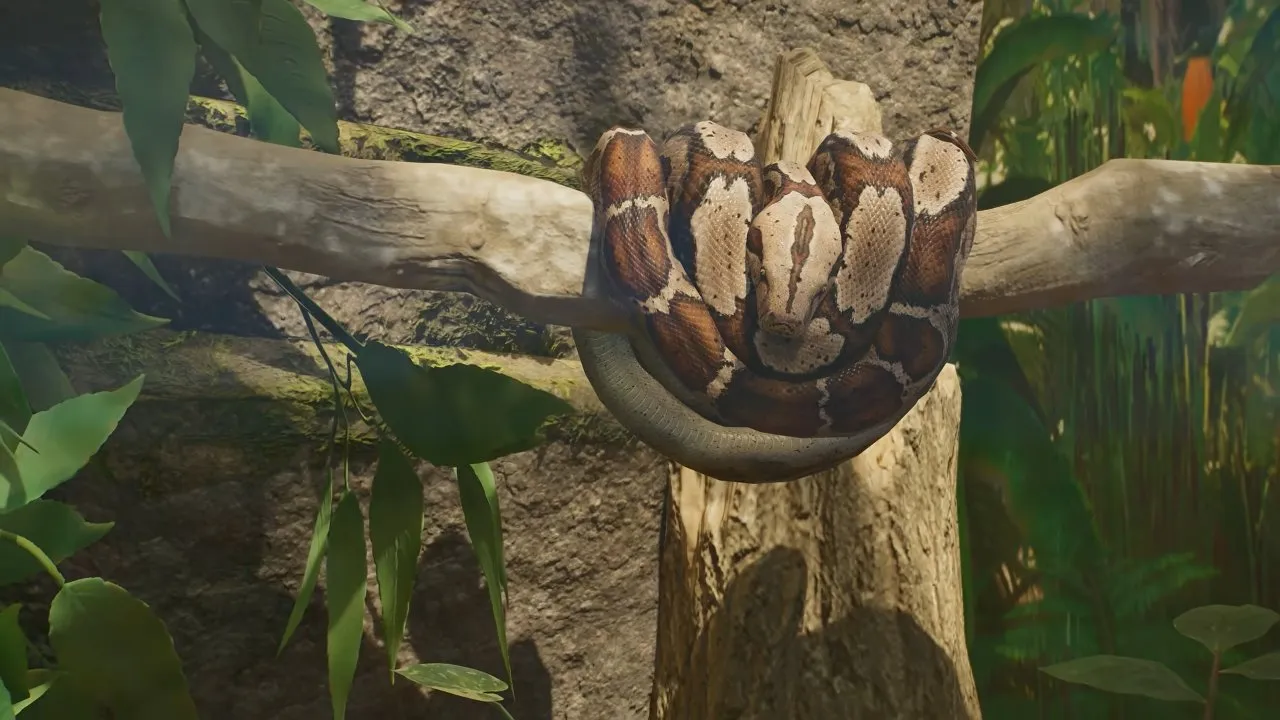
Shoaling fish, like butterflies, can use resting points while also moving freely. The snake image shows what a resting display can look like; it does not mean every exhibit species stays still.
| What to check | What you need to do |
|---|---|
| Temperature, humidity and salinity | Set conditions suitable for the species in the Exhibit Info Panel; check Zoopedia for the actual ranges. |
| Group size | Follow the species' social requirements and avoid overcrowding. |
| Hunger, thirst and cleanliness | Keep Keeper care available each season. |
| Power | Supply the exhibit so it can maintain its environmental conditions. |
Power maintains environmental conditions, but your animals still need Keeper care. Decorating the enclosure does not replace feeding or cleaning, and welfare matters for survival and breeding chances.
You now have the setup route for a serviced exhibit, with species-appropriate conditions and a deliberate animal display. For the surrounding building's look, continue to Planet Zoo 2 building themes; for your wider first-zoo priorities, go to Planet Zoo 2 tips.